
Medication Management Simulator
A structured practice and observation activity for medication management, best used with a clinician. Your client works through a set of everyday medication tasks with fictional medications, and you get an objective record of what was done, what was expected, and when. Runs in any browser; optimized for desktops and tablets.
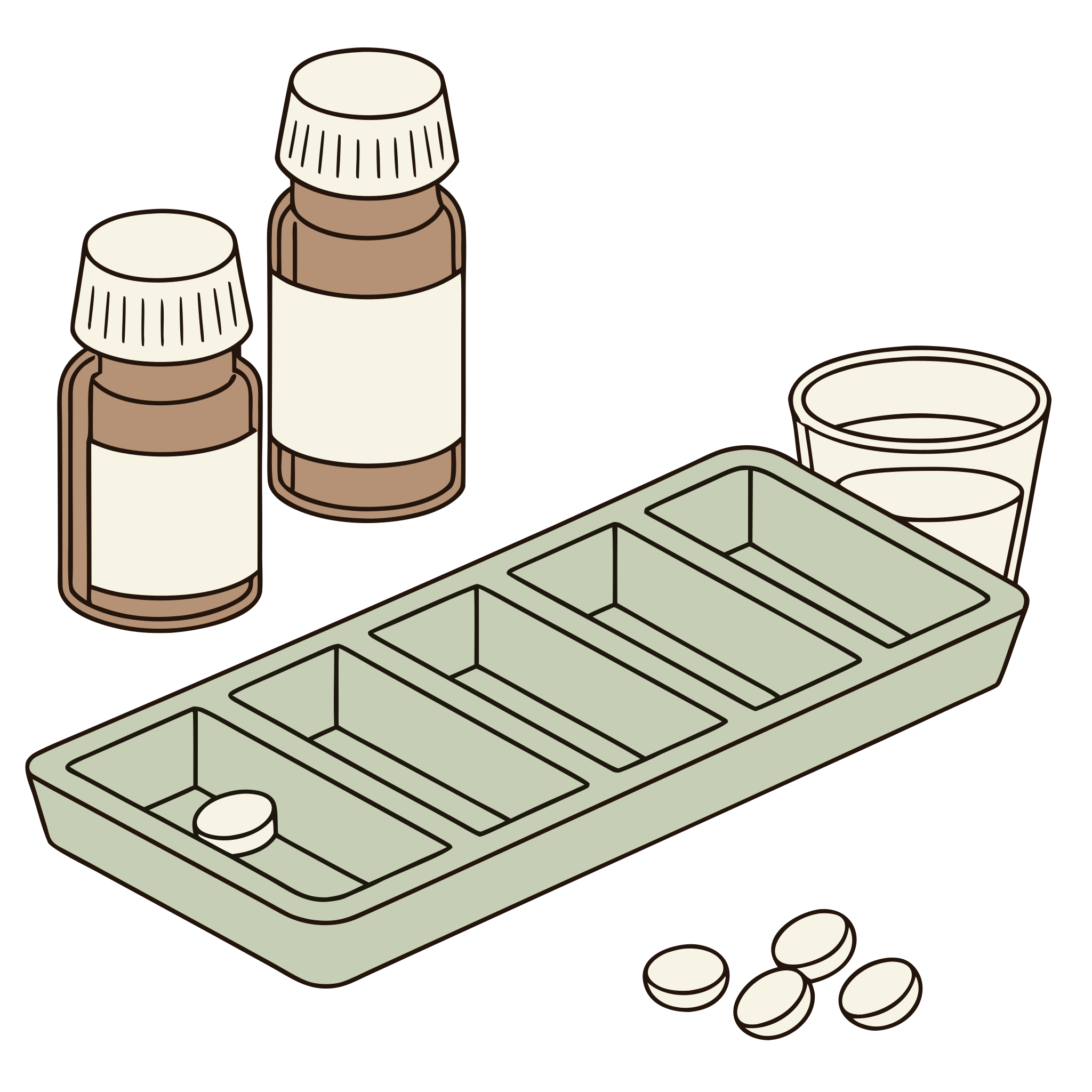
Set up and hand over
Start a session, choose your settings, and hand the tablet to your client.
Your client works through the activity
The activity takes about 25 minutes.
An objective record is saved
Every action is recorded as it happens: what was expected, what was done, and when. Counts and times only, with no interpretation added.
New session
1 free session each monthThis is not a standardized test. It produces no normative scores and is not intended to diagnose, treat, or determine capacity for independent medication management. All data reflect observed performance in a simulated tablet activity, which may differ from real-world performance. Interpretation is the sole responsibility of the treating clinician.
About the Medication Management Simulator
The simulator presents one fixed scenario, identical every run: five prescription bottles and three distractor items, each with a rendered pharmacy-style label. Your client reads the labels, answers questions about them, fills a weekly pill organizer, takes the day’s medications at each time on a simulated Wednesday, and works through a short set of everyday medication-safety questions. A text-message interruption arrives while the organizer is being filled, when distractions are switched on.
Every medication is fictional and the regimen carries no clinical meaning. The activity gives no feedback about correctness while your client works, and the saved record states only observed facts: counts, times, and what was expected against what happened. Interpretation stays with you.
No client accounts, and no free-text entry by the client anywhere. Sessions are saved under your account, described only by a session code and optional initials, and delete automatically after your chosen retention period.
About the Medication Management exercise
Managing medications at home means reading a pharmacy label, working out which pills go in which slot of a weekly organizer, taking the right ones at breakfast, lunch, and bedtime, and knowing what to do when a dose is missed or a bottle has expired. After a stroke or brain injury, or with memory changes, a routine that was once automatic can become a puzzle, and slips are easy to miss.
The Medication Management Simulator is a structured practice and observation activity, not a quick exercise. A clinician starts a session and hands over the tablet, and the client works through about 25 minutes of everyday medication tasks with invented medications: reading labels, filling a weekly organizer, taking the day's doses, and answering safety questions. Every action is saved as an objective observation record.
What Medication Management practices
- Label reading
- Finding the dose, the timing, and the warnings on a pharmacy-style label, and spotting the two bottles in the cabinet that should not be used at all.
- Planning and organization
- Turning six labels into a whole week, 7 days by 4 times of day, with a half tablet at bedtime, a supplement on three mornings, and an as-needed capsule left out.
- Routine and prospective memory
- Taking what the morning, noon, and bedtime slots call for on a simulated Wednesday, from the organizer the client filled or straight from a bottle, and noticing what is missing.
- Safety judgment
- Choosing the safer option when a dose is missed, a friend offers a pill, a tablet is hard to swallow, or the pharmacy is closed and a bottle has run out.
How the tool works and what it records
Three switches set up a session: distractions, audio narration with the text always shown, and label questions. After a short practice of taps and drags, the client meets the medicine cabinet: five prescription bottles and three distractors, an expired antibiotic, a discontinued older strength with a warning sticker, and an over-the-counter supplement. Any bottle opens to a full-size label, and eight label questions follow with the bottles still in reach. Then the weekly organizer, 7 days by 4 slots, filled by tap or drag, with a text message arriving 90 seconds in when distractions are on; three dose moments on a Wednesday at 8:00 AM, 12:30 PM, and 10:00 PM, each showing that slot from the client's own organizer plus the bottle shelf; and seven everyday medication decisions with no time limit. Nothing gives feedback while the client works.
A quiet clinician toolbar logs cues (encouraged, hinted, told, showed or pointed, did it for them), notes, pauses, and skips. The observation record lists counts only: missed, extra, and wrong-amount doses, organizer boxes that differ from the labels, label and decision questions answered differently than expected, cues given, self-corrections, instruction replays, the interruption response and its delay, timing by phase with pauses over 20 seconds, and a full timeline. One session a month is free with every phase; Pro adds unlimited sessions, the observation record, and PDF export.
Screen or paper?
The simulator suits a clinic tablet or desktop: the client taps and drags bottles and pills, the session times itself, the interruption fires on its own, and the record is built from every action without anyone taking notes. The printable set suits a home program, a session without a device, or handwriting practice on schedules and labels, and it leaves a paper file to keep.
The printable version is the Medication Management worksheet set on rehabworksheets.com, and there is a free medication management worksheet to try first, with no email required.
Is this a test?
The format borrows from performance-based medication tasks such as the Medication Management Ability Assessment (MMAA, Patterson and colleagues, 2002) and the medication subtest of the Direct Assessment of Functional Status (DAFS). This simulator borrows only the idea of doing the task rather than describing it. It has no norms, produces no standardized score, and is not an assessment of capacity or a substitute for evaluation by a qualified professional.
Using it well
- Keep the defaults for a first session. Distractions, narration, and label questions all on give the fullest record. Turn label questions off for a shorter session, or narration off for someone who reads faster than they listen.
- Hand over the tablet and step back. The client never sees a score, and the end screen asks for the tablet back. Use the toolbar to log each cue as you give it, so the record shows how much support each phase needed.
- Read the organizer grid first. Each box carries a mark, a list names every box that differs from the labels, and a whole-week line follows per medication. Placements, pills taken back out, and near misses are counted separately, so hesitation is visible without being counted as an error.
- Adapt for hand or speech difficulties. Every action can be a tap; dragging is optional, and drop zones are generous. No speech is needed anywhere. Narration can be replayed, and each replay is logged, which itself says something about how the instructions landed.
Common questions
Is this the MMAA or the DAFS?
No. Both are standardized instruments with their own materials, administration, and scoring. This simulator borrows the performance-based format, doing the task rather than talking about it, with invented medications and no norms. It is practice and observation material for clinicians, not an assessment.
Are the medications real?
No. Every bottle, label, pharmacy, prescriber, and prescription number is invented, and the regimen carries no clinical meaning. Nothing is swallowed and no real medication is involved at any point; the pills are pictures moved between bottles and organizer boxes on the screen.
How is the simulator scored?
It is not scored in the usual sense. The observation record states what was expected against what happened: counts of doses, boxes, and answers that differ, cues given, self-corrections, replays, timing by phase, and a timeline of every event. Interpretation stays with the clinician.
Is the medication management simulator free?
One full session each calendar month is free with a signed-in account, with every phase and setting available. Pro adds unlimited sessions, the observation record for every session, and PDF export. Sessions are saved under the clinician's account with a code and optional initials only, and delete after 30, 90, or 180 days.
This exercise supports cognitive stimulation and structured practice. It is not medical treatment or an assessment, and no specific therapeutic outcomes are claimed.