

Built by an occupational therapist
Cognitive stimulation exercises that run on any screen.
Interactive practice for therapists, caregivers, and anyone working on cognitive skills. Open an exercise and start in seconds. Free to use every day; Pro unlocks full difficulty ranges, exports, and unlimited rounds.
Functional simulators
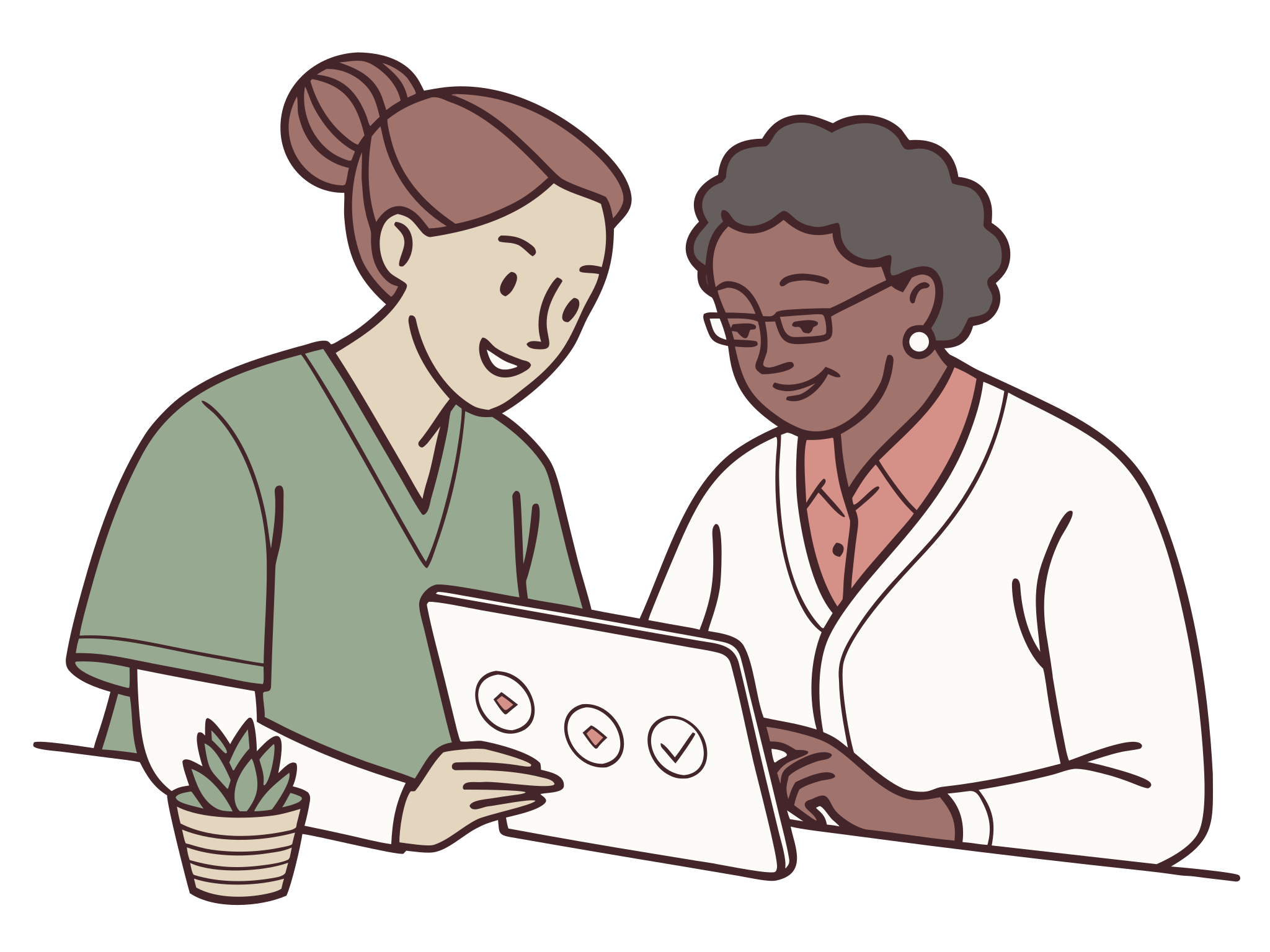
Longer, guided activities, best used with a clinician. Your client works through a full everyday task, and you get an objective record of what they did.
Medication Management
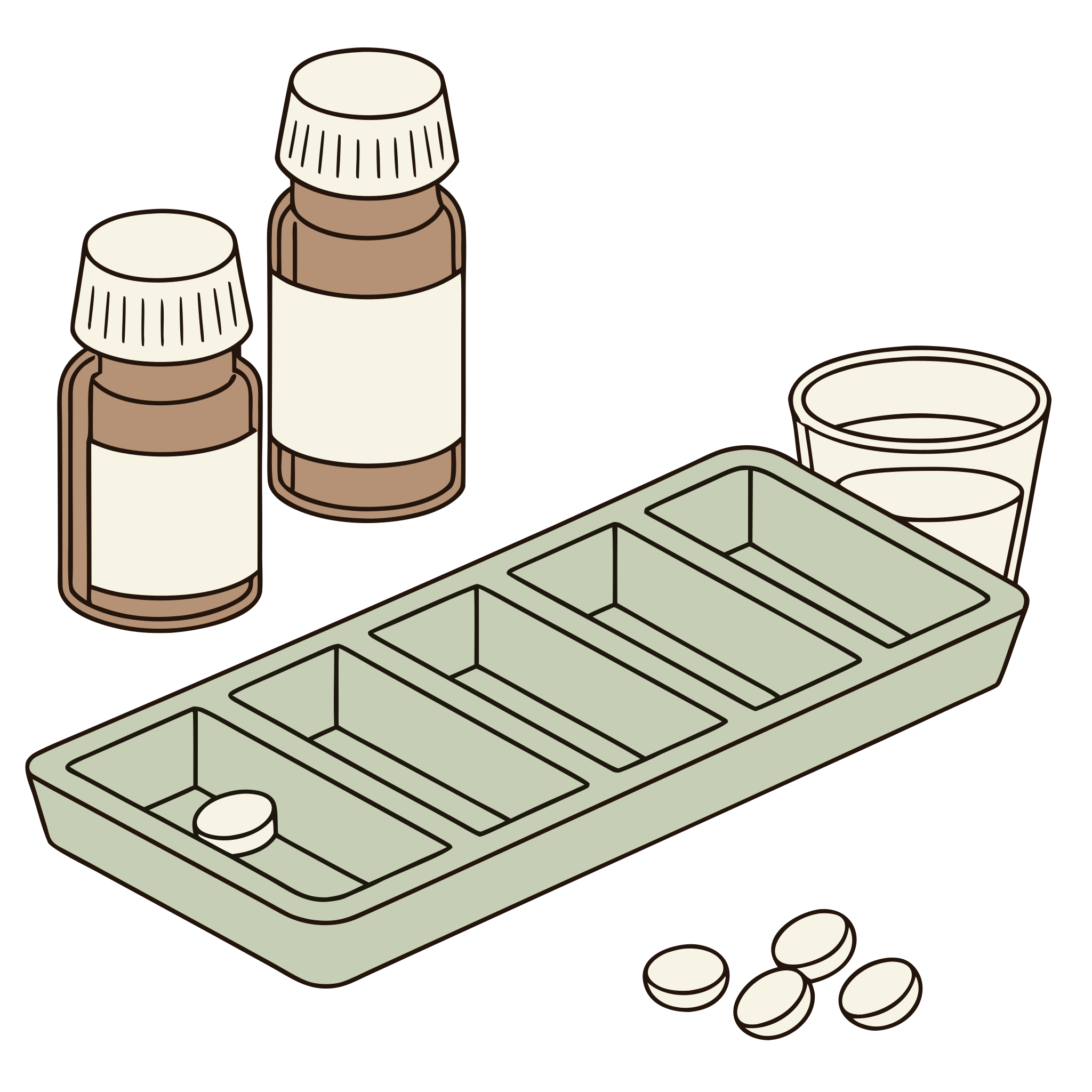
Read fictional labels, fill a weekly organizer, and take the day's medicines.
Open tool →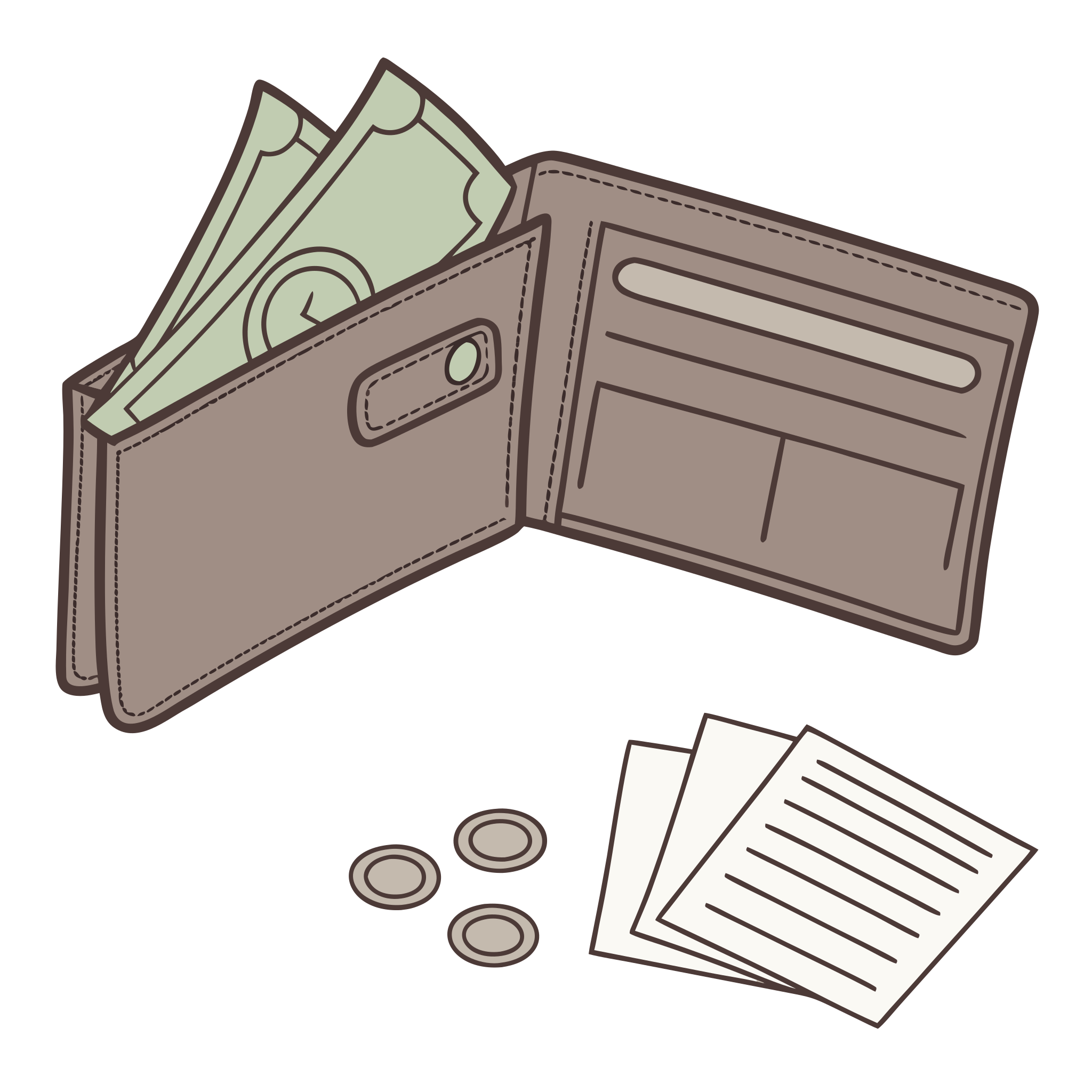
Money Management
Count coins and bills, pay for items, check the change, and read a utility bill.
Open tool →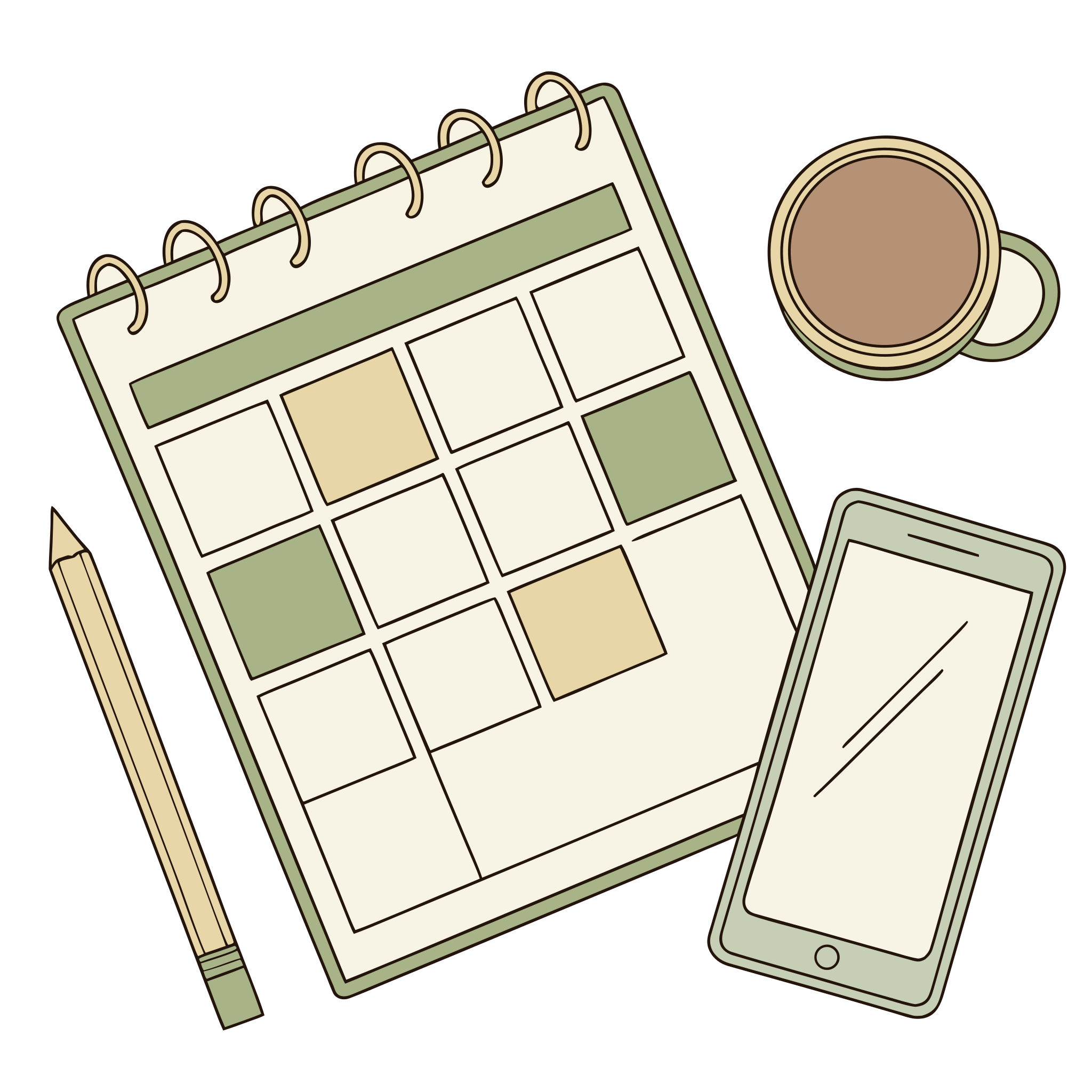
Weekly Planning
Fit set and flexible appointments into a week, then handle a change of plan.
Open tool →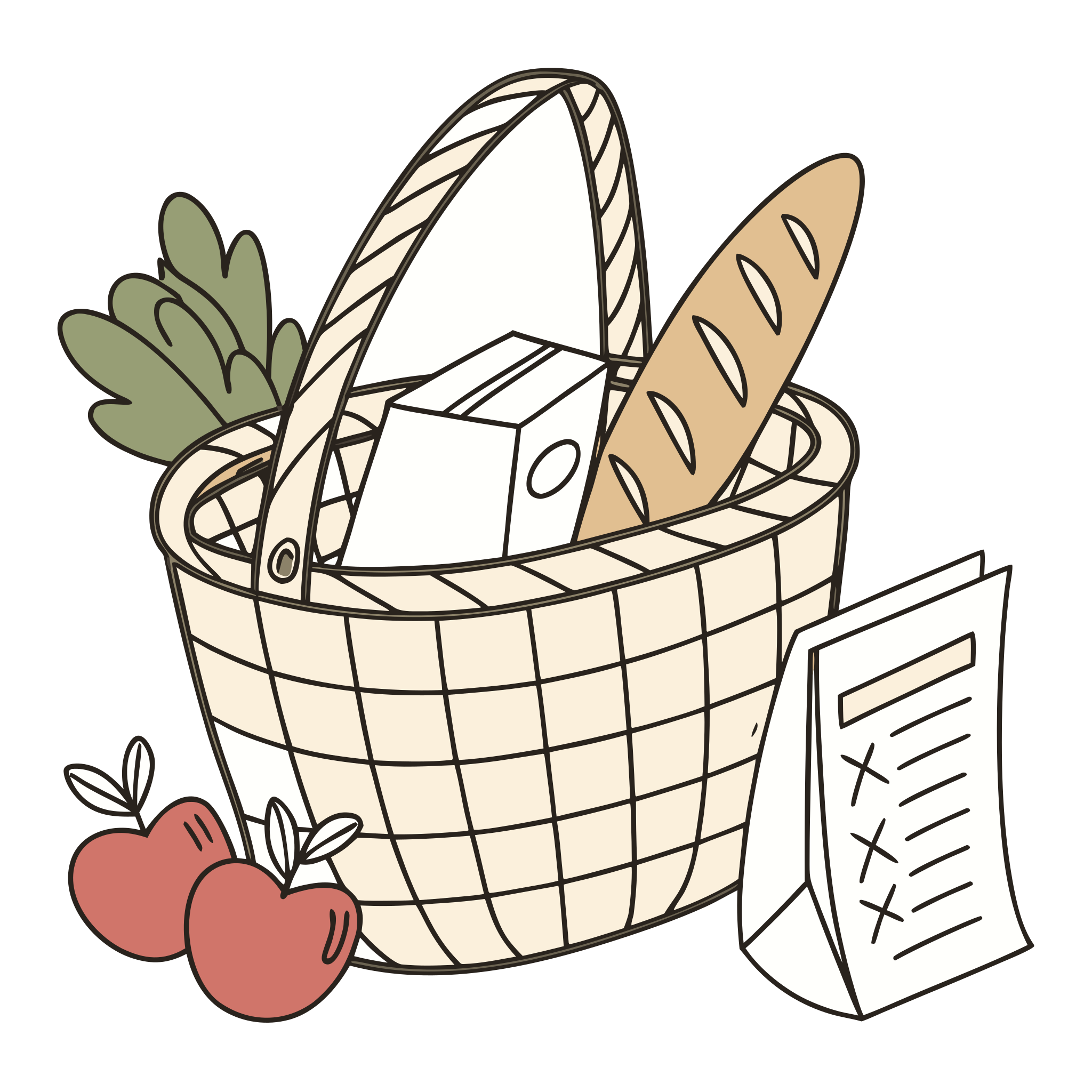
Grocery Shopping
Shop a list of eight items on a budget, with two things out of stock and a message that adds one.
Open tool →Builders
Build printable material for the person in front of you.
Practice exercises
Quick, single-skill exercises. Open one and start.
Filter by skill

Trail Making
Connect numbered circles in order, or alternate numbers and letters, against the clock. Visual scanning, attention, and cognitive flexibility practice.

Visual Search
Find and mark every target among the distractors (feature, conjunction, or letter and star cancellation), with results split by left and right side.

Sequencing
Put the steps of everyday activities, or numbers, letters, and days, back in the right order, guided or scored at the end.

Pattern Recall
Watch a grid pattern, hold it in mind, and tap it back from memory, immediate or delayed, with an adaptive span mode.

Figure & Ground
Pick target shapes out of overlapping outlines, or count every circle, square, and triangle in the field, one sweep at a time.

Design Recall
Study a dot-to-dot design, then rebuild it one tap at a time from memory, or copy it live for pure construction practice.

Block Design
Copy red and white block patterns on the screen or with real blocks. Fresh designs every round, from 4 to 16 blocks, from solid faces to shapes made of half-and-half faces.

Stroop
Tap the ink color, not the word: the classic interference task with reaction times on every trial, plus a colorblind-safe counting variant.

Story Recall
Read a short story, then answer questions about it from memory, multiple choice or free recall, with timed reading, delayed recall, and a read-aloud option.

Symbol Match
A key pairs symbols with numbers. Symbols appear one at a time and the person taps the matching number as fast as they can, with every response timed: correct items per minute, accuracy, and whether they slow down across the run.

Listen & Recall
A voice reads a string of letters or numbers that can end at any moment. When it stops, the person says back the part the rule asks for: the last three, the first and last two, and on up. Steady pace, tap or spoken answers, and accuracy by string length.

Digit Span
A voice reads a string of digits, one a second, and the person says it back in the same order or in reverse. Strings grow one digit at a time until every string at a length is missed, so each round finds the longest span. Heard or shown, tap or spoken answers, and large print.

Pattern Recognition
Work out the rule and pick what comes next: repeating shape and color patterns, growing number patterns, and rule boxes, generated fresh every round with each choice timed.

Visual Vigilance
Symbols stream one at a time for minutes at a stretch; respond each time the target pattern completes, or work the paper-style grid. Results split the run into thirds to show whether accuracy and reaction time hold up.

Visual Closure
Part of a picture is missing; work out what it is and pick the complete picture. Everyday objects and abstract figures, a visibility dial, and a progressive reveal that scores how much of the picture was needed.

Spot the Difference
The worksheet pack's 30 painted scenes on screen: two pictures, a few things changed, tap each difference you find. Graded easy to hard, with hints, a one-picture-at-a-time mode, and false positives counted.

Mental Rotation
Is it the same figure turned, or its mirror image? Pick the turned copy among look-alikes, or judge pairs as same or mirrored, with every answer timed. Block figures or letters, turns up to 180 degrees, and a rotation cost that shows how speed falls as the angle grows.

Spatial Reasoning
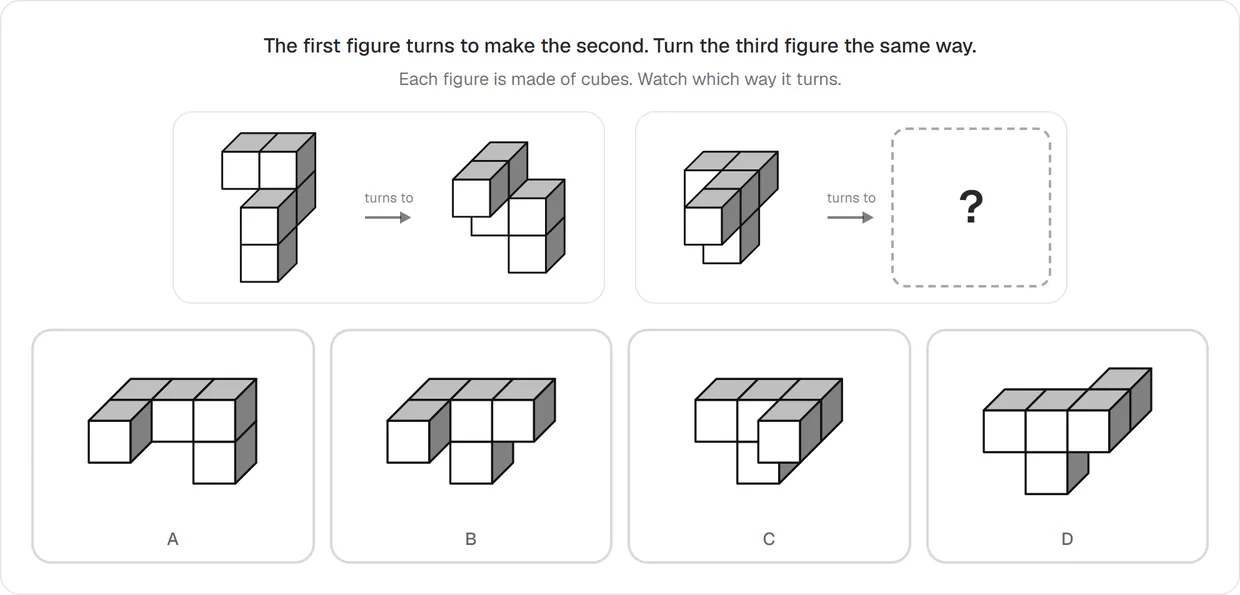
The first figure turns to make the second: turn the third figure the same way and pick the result. The workbook's three levels on screen: everyday pictures turned flat on the page, then cube figures turned in space by a quarter turn, then half turns and two-step turns. Every wrong option is a named mistake, timed answers, and large print.

Picture Recall
The worksheet pack's 15 scenes on screen: study one for a timed window, let it hide, then recall what was in it. A partner ticks the checklist, or yes-or-no prompts with lures score it alone. Basic and complex scenes, a delay with sums, and study time recorded.

Memory Match
The classic matching pairs game in large print: turn over two cards at a time and find every pair. Clear line drawings with their names, 3 to 12 pairs, an optional look at every card first, and no clock on screen. Picture-to-name pairs make a harder round.

Same or Different
Two figures, symbol rows, or strings side by side: identical, or has one small thing changed? Changes are generated fresh and graded from plain to fine, half the pairs are the same, every answer is timed, and the results separate missed changes from imagined ones. A memory dial hides the first item before the second appears.

Picture Naming
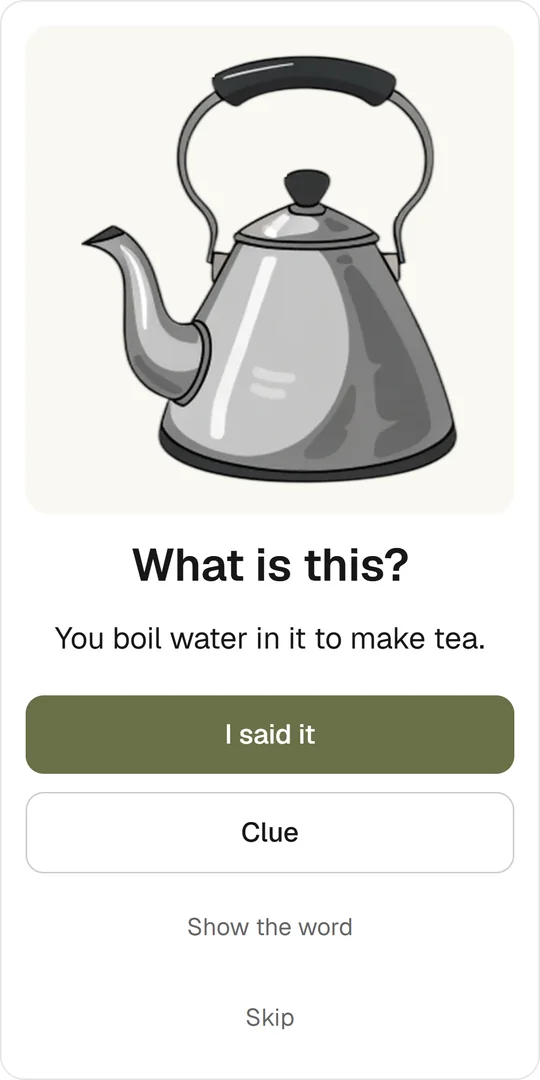
One clear picture at a time, in large print: say what it is. When the word does not come, a clue ladder helps a little more at each step, from a meaning clue to the first sound to a choice of written words, and the word can always be shown and heard. For adults after stroke or brain injury, with aphasia, or living with dementia.

Rule Switch
The alternating attention worksheet on screen: a whole page of shapes, crossed out row by row with a tap, and at every switch sign the shape to cross out changes. A fresh page every round, with the shapes right after each switch counted beside the rest. For adults after stroke or brain injury.
Cognitive activities for seniors and adults
Many of these exercises suit older adults as well as people after a stroke or brain injury. Every exercise has a large-print mode, rounds are short, and nothing needs installing, so they work as cognitive activities for seniors at home, in a day program, or in a care home. The picture-based exercises, such as Memory Match, Picture Recall, and Spot the Difference, also work as gentle cognitive games for seniors, played together at a table on a tablet.